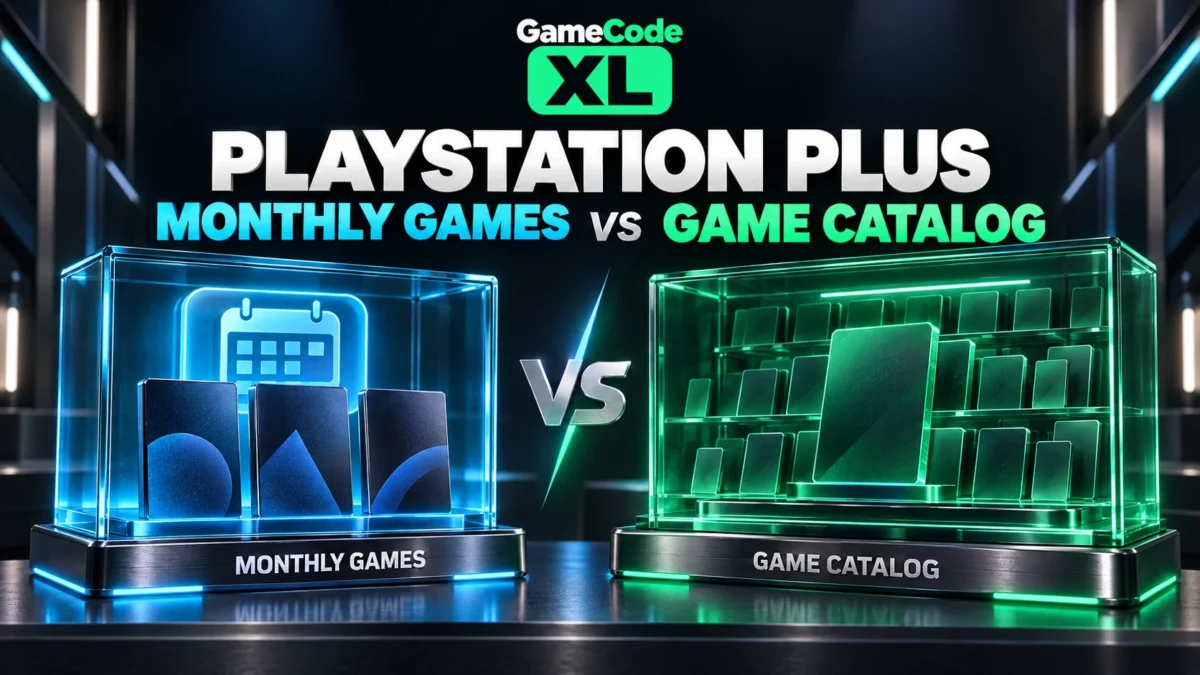
When a game is described as “on PlayStation Plus,” identify whether the article means Monthly Games or the Game Catalog. Then check the required membership, availability window, and account. Those details explain access more reliably than the subscription name alone.
Sources checked October 3, 2026. Availability, offers and software interfaces can change.
In this guide
- Start with the named benefit
- Monthly Games have a claim window
- The catalog has its own access check
- Do not confuse cancellation with an immediate outage
- Use a four-question access check
- When you need support
Start with the named benefit
PlayStation’s membership overview distinguishes Monthly Games from Game Catalog access. Its US plan table includes Monthly Games across the listed plans, while catalog access is associated with higher tiers. Plan naming and availability can vary by market, so compare the benefits shown for your own account rather than importing a regional table without checking.
Monthly Games have a claim window
Read the monthly announcement and add the desired titles during the stated availability period. Keep a record of the successful library addition. The October 2026 report linked below provides a dated example with its own platforms and window.
A later article about the same game does not reopen an old claim period. Follow the live Store if you missed the original selection.
The catalog has its own access check
PlayStation’s catalog guide tells users to open the Game Catalog section and have the appropriate membership. Its download troubleshooting guide also directs players to check that a catalog title remains available when investigating access.
That is why a downloaded file alone should not be used as proof of continuing entitlement. Inspect the current benefit and account state.
Do not confuse cancellation with an immediate outage
Read the subscription end date and the official cancellation explanation. Turning off renewal and reaching the end of a paid period are different events. PlayStation’s cancellation guide explains what happens to benefits when the subscription ends.
Keep that distinction in your notes if you are diagnosing a locked game. Do not assume that a renewal change at one moment proves the cause of an unrelated download error.
Use a four-question access check
Identify the exact game and edition. Confirm the benefit that supplied it. Verify the signed-in account and membership. Finally, check the current availability or original claim record.
These questions are intentionally separate. A correct account with the wrong plan is different from the right plan on an account that never claimed the Monthly Game.
When you need support
Provide the product, benefit type, account transaction or claim record, and exact error privately through PlayStation Support. Avoid publishing receipts or account identifiers in a public comment.
If the benefit came from a voucher, check its redemption confirmation on the intended PlayStation account. Solve the entitlement question before moving on to a storage or download investigation.